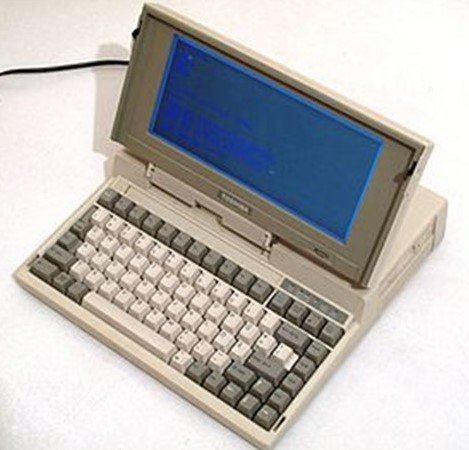
The first maxim heard in personal finance is to spend less than what is earned, and I’ve used the software application Quicken to help me achieve that goal. Starting in 1994 on an aged Compaq 286 laptop, I’ve used Quicken to track expenses, debt, budgets, savings, and later on, investments. Initially I didn’t have too much to track with it, other than a few bank accounts, some student loans, and a car loan. But the big benefit back then was using it to create a budget annually and reporting each week to stay on track to save at least something. I don’t want to make this an advertisement for Quicken, and now there are many software alternatives that perform similar tasks. So, from here on when I refer to Quicken, certainly consider it a general term for personal finance software.
Over the years, Quicken has evolved from basic software that provided a ledger for each account, to a full-fledged personal finance application. Here are some of the ways I use the application today:
- Balancing accounts: Every few days, I download into Quicken via the web all of the transactions for all of my family’s 50+ accounts. I can see all the payments (checks, credit cards, Venmo, etc.), deposits, stock trades, etc., that have cleared. Quicken then auto-balances each account based on the financial institution account balance against the balance stored locally on Quicken
- Paying bills: Bill pay from my checking account is a life-saver. No more stamps or envelopes, and I schedule payment a few days before the due date to maximize cash
- Investment management: Quicken downloads the buy/sell transactions in each of my investment accounts as well as the end-of-day share prices for all publicly-traded assets in my accounts. The share balances on the local Quicken data are then checked against the financial institution’s balance
- Budgeting allows for spreading expenses and income equally over the year, and for timing specific payments or income events, to watch overall savings as well as cashflow
- Loan and related asset tracking
- Tax planning: There is a small tax planning app within Quicken that takes the data from the accounts to calculate a high-level Federal income tax summary. I find that the output is decent and directional. The Quicken data also feeds their tax filing software, which I used to use before having a CPA do my tax filings
- Reporting: The software has great reporting and search capabilities. Since I use Quicken to track most of my assets and liabilities, I use it to regularly generate both cashflow and net-worth reports. I also regularly use a report to compare cashflow from one period to another, like last year-to-date vs. this year-to-date, to manage “lifestyle creep” over time (there will be a future post on this topic)
Many of the software applications today are moving to the web, so there is no more software or data to manage locally on a computer. The upside for the software company is that they can then charge customers for a monthly subscription versus payment for a one-time software purchase (like the old days on a CD or floppy disks). Wall Street loves this because revenue to the software company is much more predictable, but over time, the customer ends up paying more to use the software. Further, the customer no longer has as much control over her data, which is now often stored on the company’s server connected to the internet as opposed to on her own computer. Quicken also just converted to a subscription model, but for the time being, customers can keep data locally.
One of the current features many wealth management players are pitching is called integrated reporting. For the cost of sharing all logins and passwords to accounts at other financial institutions, the user can then generate reports and graphs that show financial standing across all accounts at many financial institutions. I say “cost” because now that one financial institution trusted with this information can calculate the share of assets they manage for their customers and how much more they could target to move over to them from those other institutions. I use many financial institutions and frankly, I don’t want to share more data with them than is necessary for them to do their jobs – thus, I like Quicken to do the integrated reporting for me.
Today, Quicken has become my indispensable tool for managing what has become a very complex family financial situation, and I’m happy to say, the software continues to get better over time to meet the challenge of more and more complexity.
 Money Lessons from a "Deca" Millionaire